
Mastering the Basics of 3D Animation Creation
Understanding the 3d Animation Process
The 3d animation process involves several stages that transform a simple idea into a dynamic visual story. Each step requires attention to detail and a clear understanding of the tools and techniques involved.
1. Concept and Storyboarding
Before diving into software, start with a solid concept. Define the story, characters, and environment. Storyboarding helps visualize the sequence of events and camera angles. It acts as a blueprint for your animation.
- Sketch key scenes and actions.
- Plan the timing and transitions.
- Identify the mood and style.
This preparation saves time and guides the entire project.
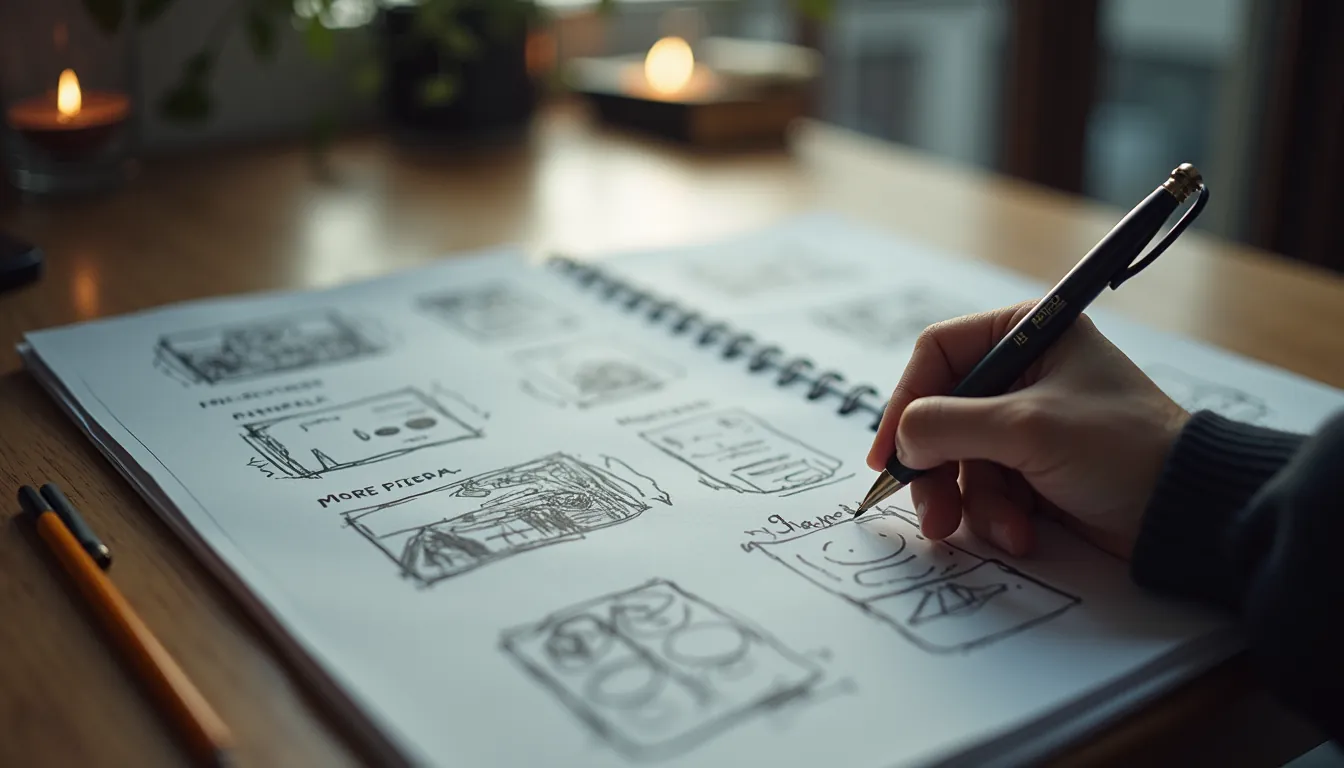
Storyboard sketches for 3D animation concept
2. Modeling
Modeling is the process of creating the 3D objects and characters that will appear in your animation. This step requires precision and creativity.
- Use software like Blender, Maya, or 3ds Max.
- Start with basic shapes and refine details.
- Keep the polygon count balanced for performance.
For example, a character model should have enough detail to look realistic but not so much that it slows down rendering.
3. Texturing and Materials
Once the models are ready, apply textures and materials to give them color, surface details, and realism.
- Use UV mapping to wrap textures around models.
- Experiment with shaders for effects like glossiness or transparency.
- Incorporate bump maps or normal maps for surface depth.
This step brings your models to life by adding visual richness.

Textured 3D character model showing surface details
4. Rigging and Skinning
Rigging involves creating a skeleton for your models so they can move naturally. Skinning attaches the model’s surface to the rig.
- Build bones and joints for characters.
- Set up control handles for animators.
- Test deformations to ensure smooth movement.
Proper rigging is crucial for believable animation, especially for characters.
5. Animation
This is where your models start moving. Animation involves setting keyframes and adjusting motion paths.
- Use principles like squash and stretch, anticipation, and follow-through.
- Animate in layers: start with broad movements, then add details.
- Preview frequently to catch errors early.
For example, animating a walk cycle requires attention to timing and weight distribution.

3D animation timeline showing keyframes and motion paths
Tools and Software for 3d Animation Process
Choosing the right tools can make a significant difference in your workflow and output quality. Here are some popular options:
- Blender: Free and open-source, great for beginners and professionals.
- Autodesk Maya: Industry standard with powerful features for modeling and animation.
- Cinema 4D: Known for its user-friendly interface and motion graphics capabilities.
- ZBrush: Specialized in high-detail sculpting.
Each software has tutorials and communities that can help you learn faster.
Tips for Effective 3d Animation Creation
To excel in 3d animation creation, consider these actionable recommendations:
- Plan thoroughly: A clear storyboard and script reduce guesswork.
- Focus on fundamentals: Master basic shapes, movements, and timing before complex effects.
- Use references: Study real-life motion and anatomy to improve realism.
- Optimize your models: Keep polygon counts manageable to speed up rendering.
- Practice regularly: Animation skills improve with consistent work and experimentation.
Remember, patience and persistence are key to mastering 3D animation.
Enhancing Your Animation with Lighting and Rendering
Lighting sets the mood and highlights important elements in your scene. Rendering converts your 3D scene into a final image or video.
- Experiment with different light types: directional, point, and ambient.
- Use shadows and reflections to add depth.
- Choose rendering engines like Cycles (Blender) or Arnold (Maya) for quality output.
- Optimize render settings to balance quality and time.
Good lighting and rendering can elevate your animation from good to stunning.
Moving Forward with Your 3d Animation Journey
Mastering the basics of the 3d animation process opens doors to endless creative possibilities. As you gain confidence, explore advanced techniques like particle effects, physics simulations, and character acting. Join online forums, participate in challenges, and keep learning from industry professionals.
With dedication and the right approach, you can create animations that captivate and inspire.
By following these steps and tips, you will build a strong foundation in 3D animation and be well on your way to producing impressive animated content.